- Your cart is empty
- Continue Shopping

DevicesElectronics
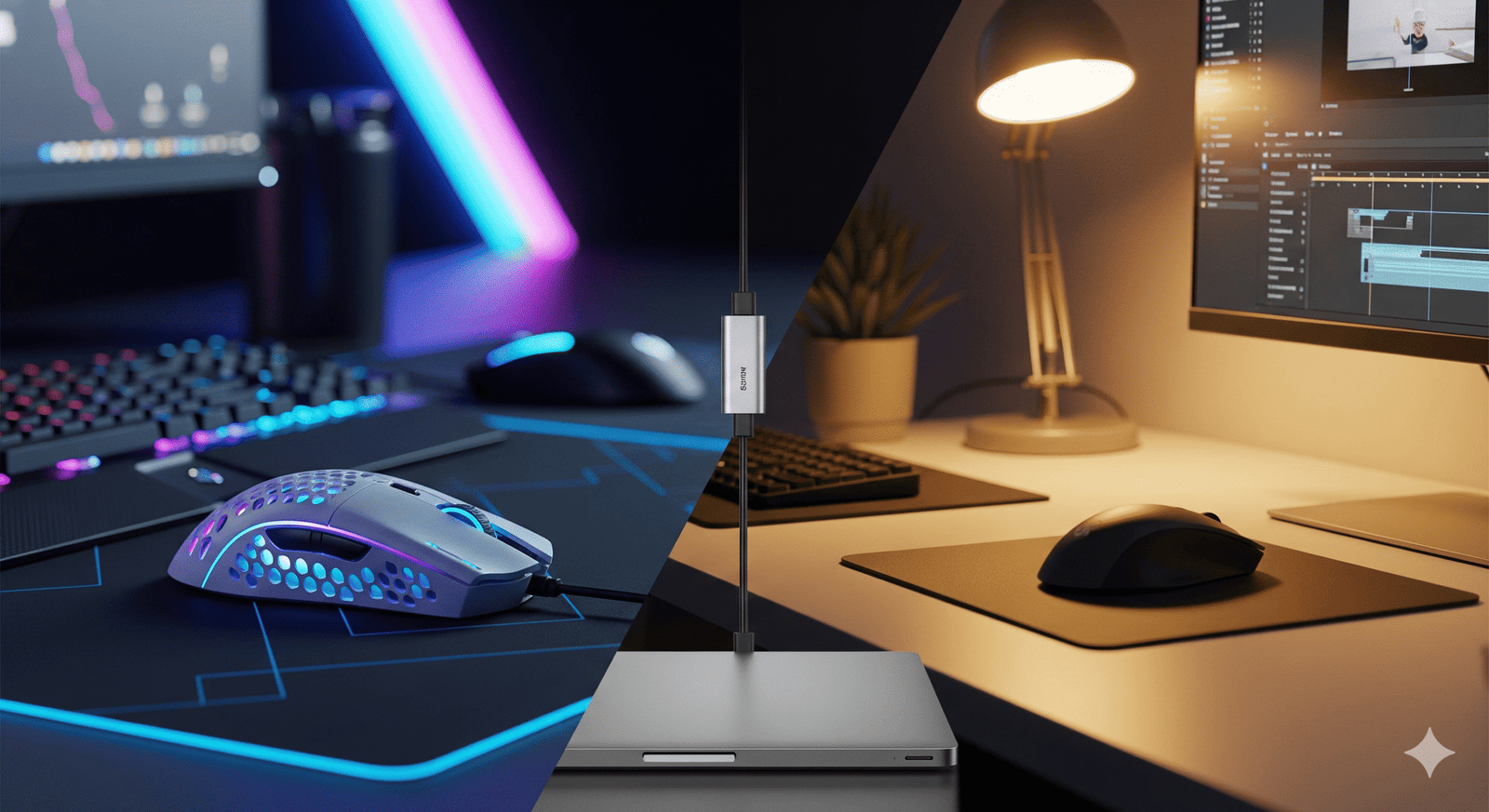
Precision Matters: The Ultimate Guide to Gaming vs. Editing Mice
-
By admin
- Posted on
- 0 comments
Stop fighting your cursor. Whether you are landing headshots or scrubbing through 4K timelines, the right tool in your hand makes all the difference.
Most people spend thousands on a PC and then use the cheap plastic mouse that came in the box. This is a mistake. Your mouse is your primary point of contact with your digital world. Using a generic mouse for specialized tasks like gaming or video editing is like trying to run a marathon in flip-flops.
At Manglame Distributor, we understand that peripherals define your experience. Here is how to choose the right mouse for your workflow and how to ensure it connects flawlessly to your setup.
The Gaming Mouse: Speed and Reflexes
If you are a gamer, you need raw performance. A “gaming mouse” isn’t just about flashy RGB lights; it’s about the sensor technology under the hood.
1. DPI (Dots Per Inch)
This measures sensitivity. While marketing often boasts 20,000 DPI, most pros play between 400 and 1600 DPI. What matters more is the sensor’s accuracy—ensuring that when you move your hand fast, the cursor doesn’t “spin out” or skip pixels.
2. Weight: The Lightweight Revolution
In 2025, lighter is better. Many competitive FPS mice now weigh under 60 grams. A lighter mouse has less inertia, meaning you can start and stop movements instantly. This is crucial for “flick” aiming in shooters.
3. Polling Rate
This is how often the mouse reports its position to the computer. Standard mice report at 125Hz. Gaming mice report at 1000Hz, 4000Hz, or even 8000Hz. This reduces input lag to milliseconds, giving you a tangible competitive advantage.
The Editing Mouse: Comfort and Efficiency
For video editors, graphic designers, and 3D artists, speed isn’t about reaction time—it’s about workflow efficiency and saving your wrist from carpal tunnel.
1. Ergonomics are King
Gamers play in short, intense bursts. Editors work for 8-10 hours straight. An editing mouse is often larger, heavier, and sculpted to fit the natural curve of your hand. Some even tilt the hand vertical to reduce forearm strain.
2. The Infinite Scroll Wheel
If you navigate long spreadsheets or thousands of lines of code, look for a mouse with “mag-speed” or free-scrolling wheels. Being able to flick the wheel and fly to the bottom of a timeline is a massive time-saver.
3. Programmable Macros
Editing mice often have extra buttons on the side. You can program these to perform complex tasks like “Cut,” “Paste Attributes,” or “Export” with a single click. It turns a three-step keyboard shortcut into a one-click action.
Wired vs. Wireless: The Great Debate
Gaming: Modern wireless technology (2.4GHz) is now just as fast as wired. There is no longer a latency penalty. However, you need to manage battery life. Editing: Wireless is preferred for a clean desk, but many editors stick to wired to avoid charging downtime in the middle of a project.
The “Dongle Life” Problem
Here is the catch: The best wireless mice for both gaming and editing usually rely on a 2.4GHz USB-A receiver for the most stable connection (Bluetooth often has too much lag for gaming).
The Problem: Your sleek new MacBook or Ultrabook only has USB-C ports. You literally cannot plug in your high-performance mouse.
The Solution: You need a high-speed Hub that bridges the gap without adding input lag.
Connect Your Gear with Manglame
Don’t let a lack of ports stop you from using pro-grade gear. Our hubs turn one USB-C port into the connectivity center you need for your mouse receiver, keyboard, and hard drives.
- For the Minimalist:Type-C to UUCH 4-in-1 Hub
- Perfect for plugging in that USB-A mouse receiver while keeping a low profile.
- For the Power User:Type-C to VHUC 4-in-1 Hub
- Connect your mouse, charging cable, and external display all at once.
Conclusion
Whether you are clicking heads or keyframes, respect your hands. Invest in a mouse that suits your specific needs, and ensure you have the right connectivity to support it.
Ready to optimize your setup? Check out our full range of connectivity solutions at Manglame Distributor.
