- Your cart is empty
- Continue Shopping

DevicesElectronics
The Visual Edge: How to Choose the Perfect Monitor for Your Gaming PC
-
By admin
- Posted on
- 0 comments
You spent thousands on your graphics card and CPU. Don’t let a bad screen hold them back.
For a gaming PC, the monitor is your window to the world. It doesn’t matter if your rig can push 200 frames per second if your monitor can only display 60. At Manglame Distributor, we know that building the perfect setup isn’t just about the PC—it’s about how you see the game.
Here is your quick guide to choosing the right display, answering the top 3 questions every gamer asks.
1. The Holy Trinity of Monitor Specs
Before you buy, look for these three numbers on the box:
- Refresh Rate (Hz): This is how many times the screen updates per second. For competitive gaming (shooters, racing), 144Hz is the new minimum. 240Hz is for the pros.
- Response Time (ms): How fast a pixel changes color. You want 1ms or lower to prevent “ghosting” or blurring during fast motion.
- Resolution:
- 1080p: Good for budget builds and max framerates.
- 1440p (2K): The current “sweet spot” for visual fidelity and performance.
- 4K: The ultimate visual experience, but requires a beastly PC.
2. Panel Technology: What’s Behind the Glass?
Not all screens are built the same. The type of panel determines your color accuracy and speed:
- TN (Twisted Nematic): The old speed kings. They are the cheapest and fastest, but colors can look washed out and viewing angles are poor.
- IPS (In-Plane Switching): The modern standard. They offer vibrant colors and great viewing angles. Modern IPS panels are now just as fast as TN panels.
- VA (Vertical Alignment): The contrast master. Known for deep blacks and high contrast ratios. Most curved monitors use VA panels.
- OLED: The premium choice. Each pixel lights itself, offering perfect blacks and instant response times. However, they come with a higher price tag.
3. Sync Technology: Tearing is the Enemy
Have you ever spun your camera quickly in a game and seen the image “tear” or glitch horizontally? That happens when your monitor and GPU aren’t talking to each other properly.
- FreeSync (AMD): Works with almost all monitors and graphics cards.
- G-Sync (Nvidia): Offers a premium, strictly quality-controlled smooth experience, often at a premium price.
- The Goal: Both technologies sync your monitor’s refresh rate to your game’s FPS for buttery-smooth motion.
4. Common Questions Gamers Ask (FAQ)
We hear these questions all the time at Manglame Distributor. Here is the breakdown:
Q1: Is a Curved Monitor Better for Gaming?
Answer: It depends on immersion. Curved monitors (measured in ‘R’, like 1500R) wrap around your peripheral vision, making you feel “inside” the game. They are excellent for flight sims and racing games. However, for competitive FPS gaming where you need to see the whole screen at a glance, a flat panel is often preferred.
Q2: Can I Use a TV Instead of a Monitor?
Answer: You can, but be careful. Most TVs have high “input lag,” meaning there is a delay between pressing a button and seeing the action. If you use a TV, make sure it has a dedicated “Game Mode.”
Q3: My Laptop/PC Doesn’t Have a DisplayPort. How Do I Get 144Hz?
Answer: This is the #1 issue laptop gamers face. Most high-performance monitors require a DisplayPort (DP) cable to run at 144Hz or to use G-Sync, but many modern laptops only have USB-C ports.
- The Fix: You don’t need a new laptop; you need a high-quality converter. A cheap dongle will cap your refresh rate at 60Hz. You need an adapter rated for high bandwidth.
5. The Ultimate Streamer Setup (Multi-Monitor)
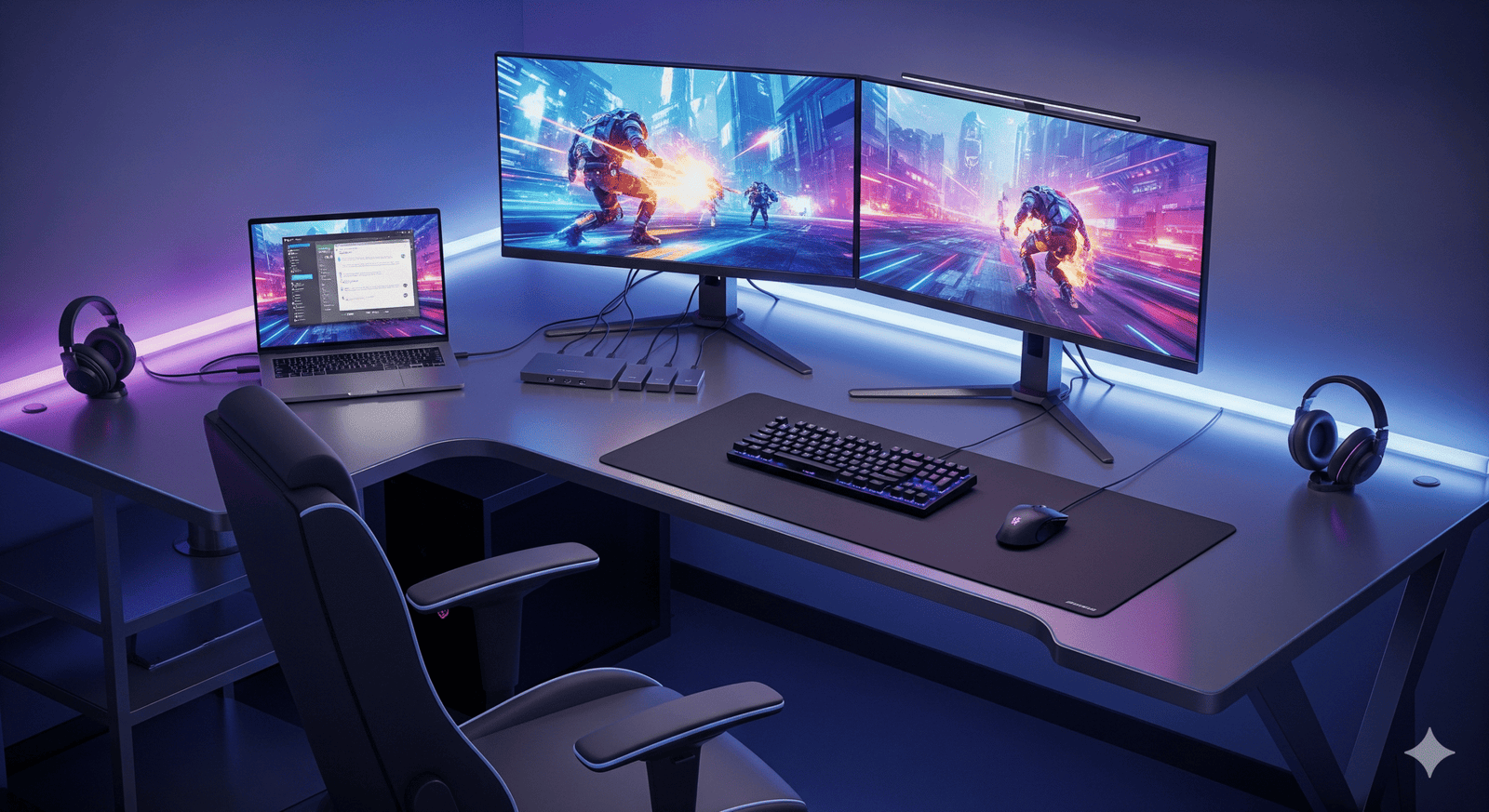
Real gamers don’t just game; they stream, chat on Discord, and browse wikis. This requires a dual-monitor setup.
The Problem: Most laptops only have one video output. The Solution: Use a dedicated Hub. If you need to plug in a second monitor plus your gaming mouse, keyboard, and headset, a simple adapter isn’t enough. You need a Hub that handles power and data simultaneously.
- Recommended Gear:Type-C to UUCH 4-in-1 Hub
- Connect your peripherals and keep your setup clean.
Connect Your Dream Screen (The Right Way)
You picked the perfect monitor. Now, ensure you are getting the full performance out of it with professional-grade connectivity from Manglame Distributor.
For High-Refresh Rate Gaming: If your monitor demands a DisplayPort connection but your rig uses USB-C, you need our 4K-ready adapter.
- Essential:Type-C to DP 4k Adapter
- Supports high resolutions and refresh rates without lag.
For Legacy Monitors & Second Screens: Have an older DVI monitor you want to use for Discord or chat while you game? Don’t throw it away.
- Essential:Type-C to DVI Adapter
- The perfect way to add a second screen to your stream setup.
Level Up Your Setup Today
Your eyes deserve the best. Whether you are climbing the ranked ladder or exploring open worlds, make sure your connection is as strong as your gameplay.
Visit Manglame Distributor Store
